
Offline Desktop Utility
macOS • Windows2026
Ethar Converter
Offline desktop converter for transforming Karen legacy-font text into Unicode, with text and file conversion tools.
Karen UnicodeLegacy FontsOfflineDesktop
Overview & Background
About Ethar Converter
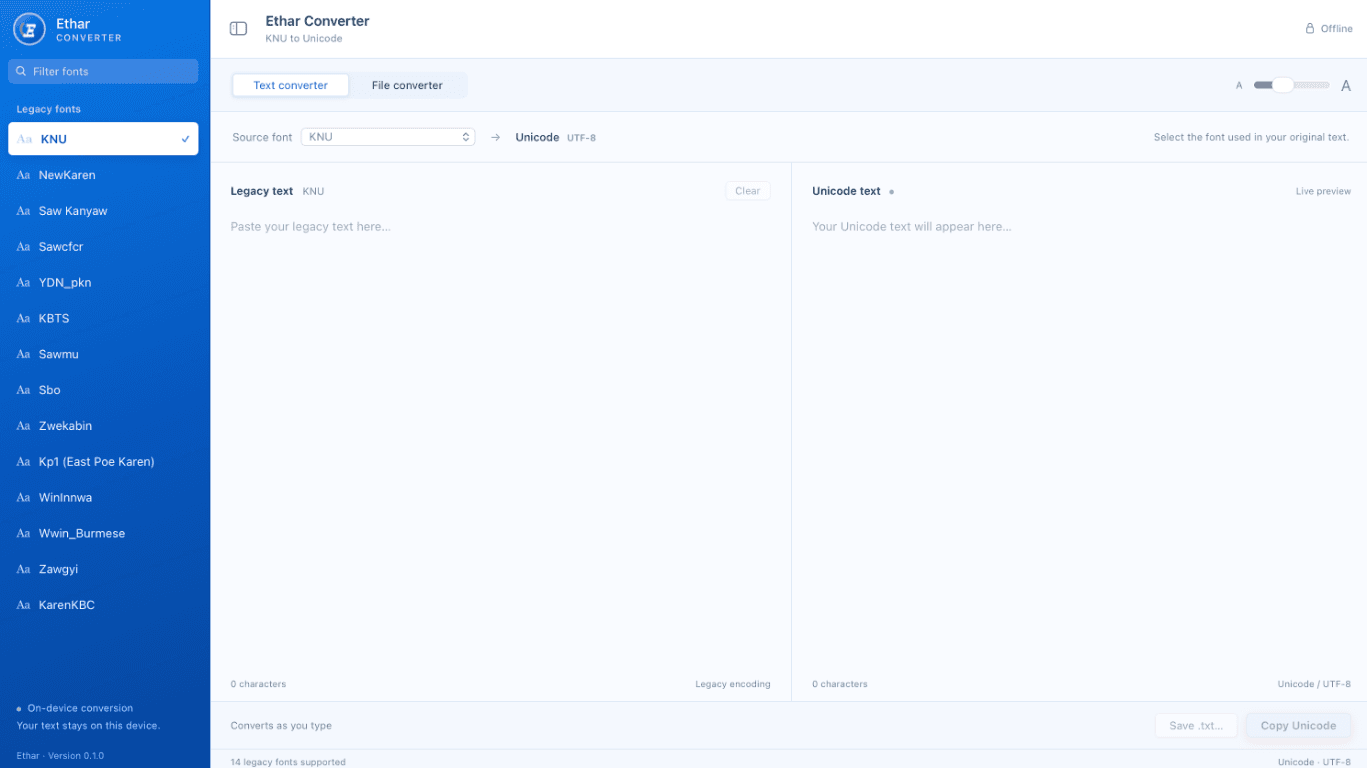
Ethar Converter is an offline desktop application for converting Karen text between legacy font encodings and Unicode.
The app includes text and file conversion workflows and processes text on-device, so an internet connection is not required.
Ethar Converter is available for macOS and Windows.
Key Highlights
What It Delivers
- Convert Karen legacy-font text to Unicode
- Text and file conversion workflows
- Works offline with on-device conversion
Capabilities
Core Features
Text & File Conversion
Convert pasted text or use the file converter for document workflows.
Legacy Font Support
Choose from 14 supported legacy fonts when converting text to Unicode.
Offline & Private
Conversion runs on your device, keeping text on the computer and available without internet.